 Use This Template
Simple
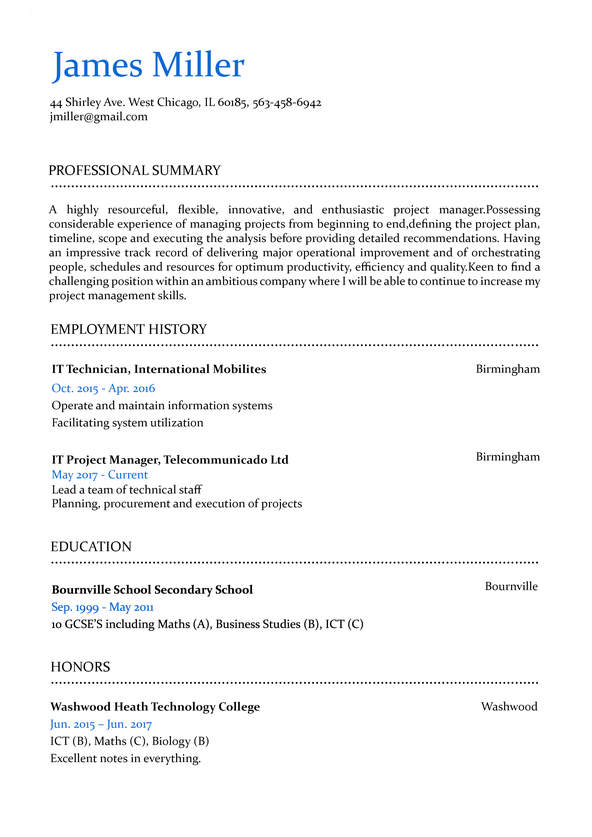
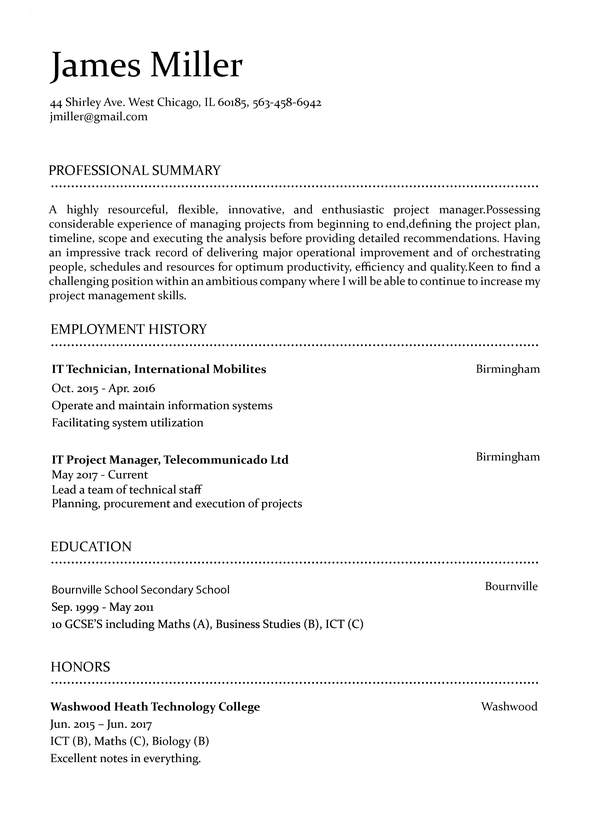
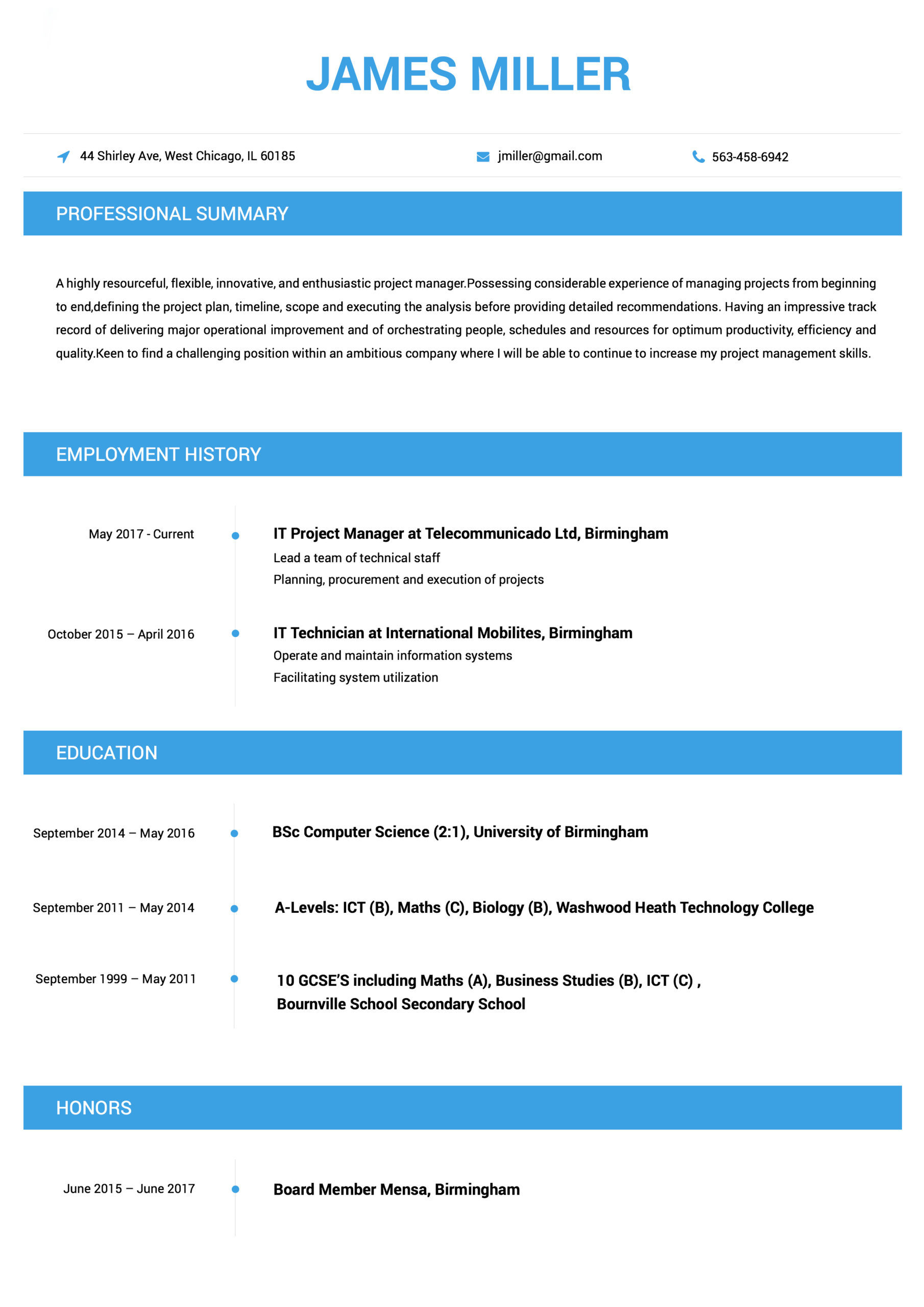
Blending a classic single column layout with helpful color accents and dividers for ease of reading, the Simple CV template is a balanced choice.
 Use This Template
Blending a classic single column layout with helpful color accents and dividers for ease of reading, the Simple CV template is a balanced choice.
 Use This Template
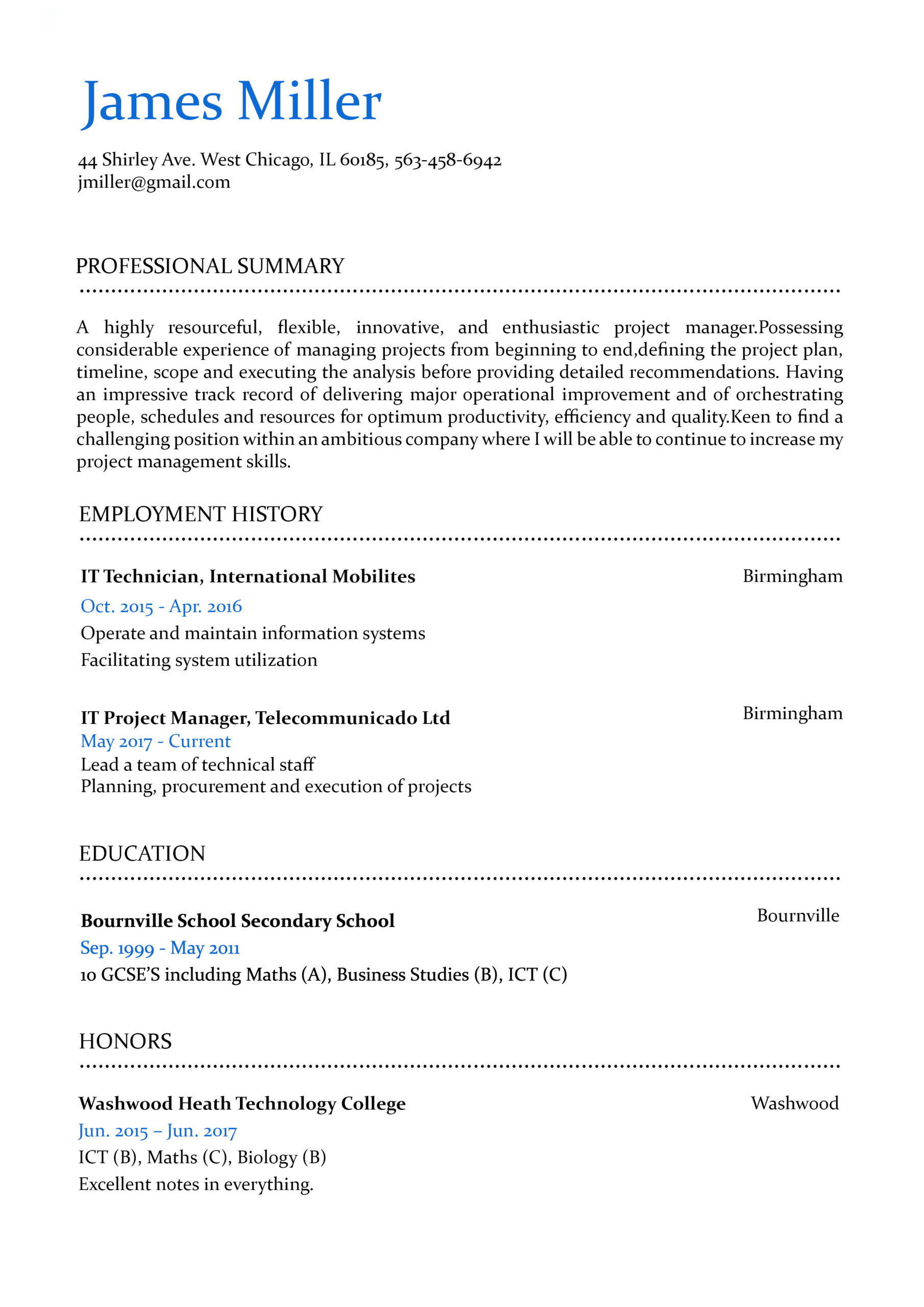
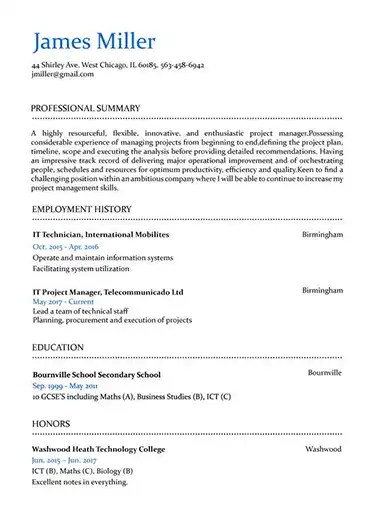
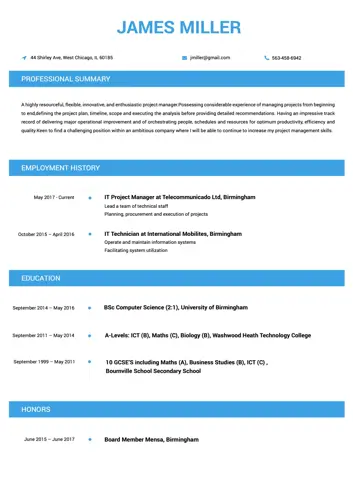
If you’re looking for a design that is subtle, elegant, and combines the best of the old and new, the Professional CV template is the perfect choice.
 Use This Template
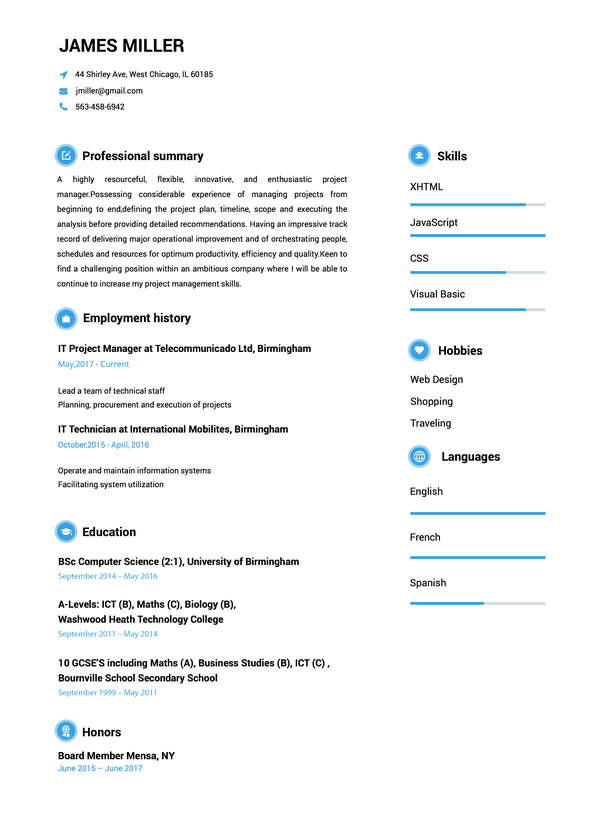
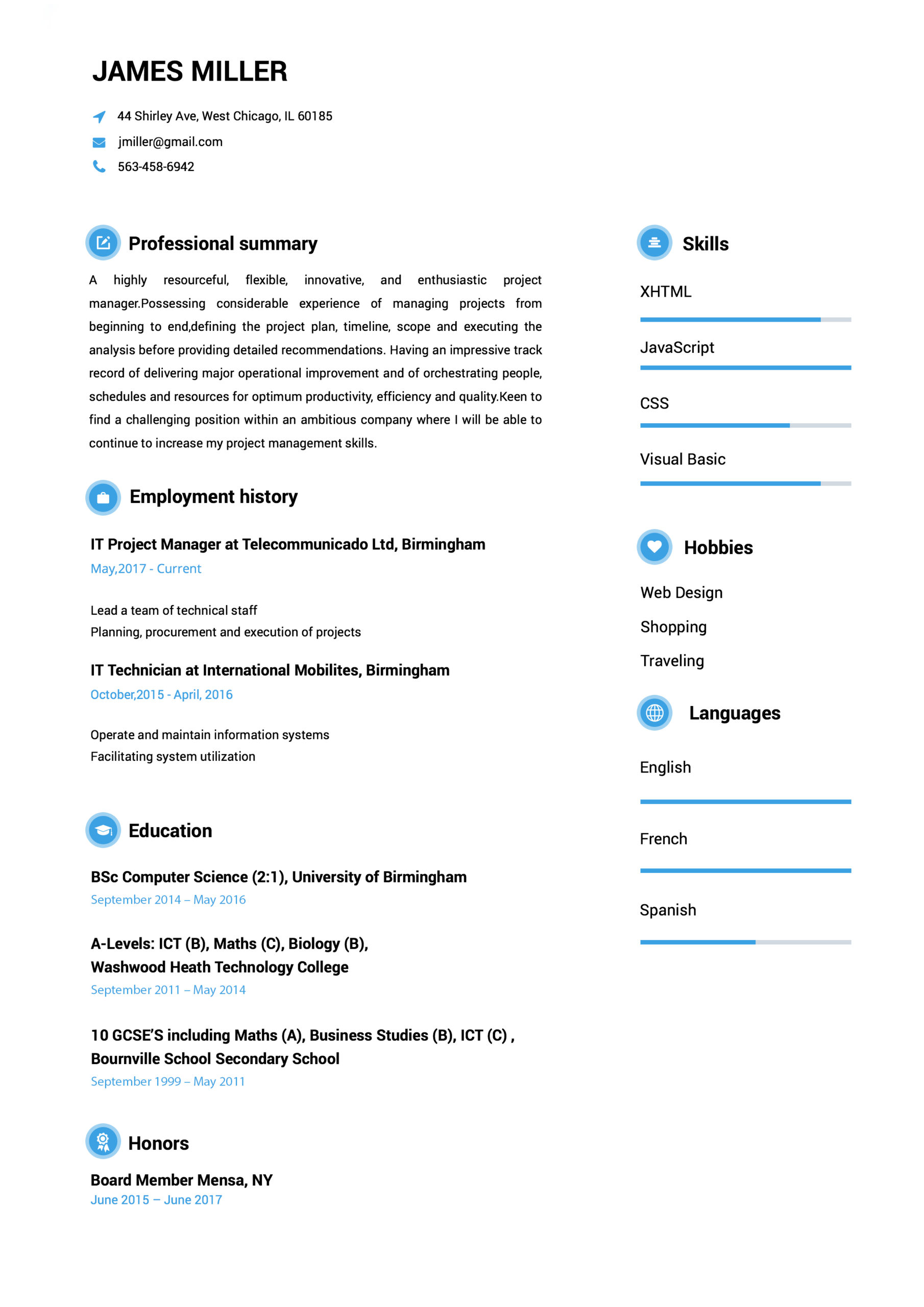
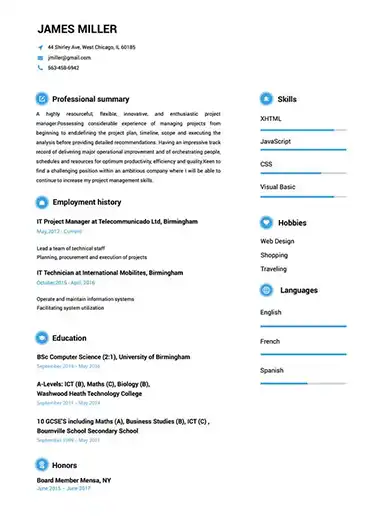
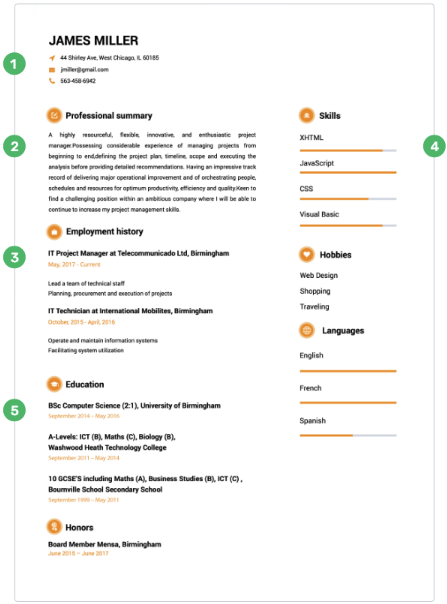
This interesting Cool resume example uses a twin-column format and charming icons to differentiate sections.
 Use This Template
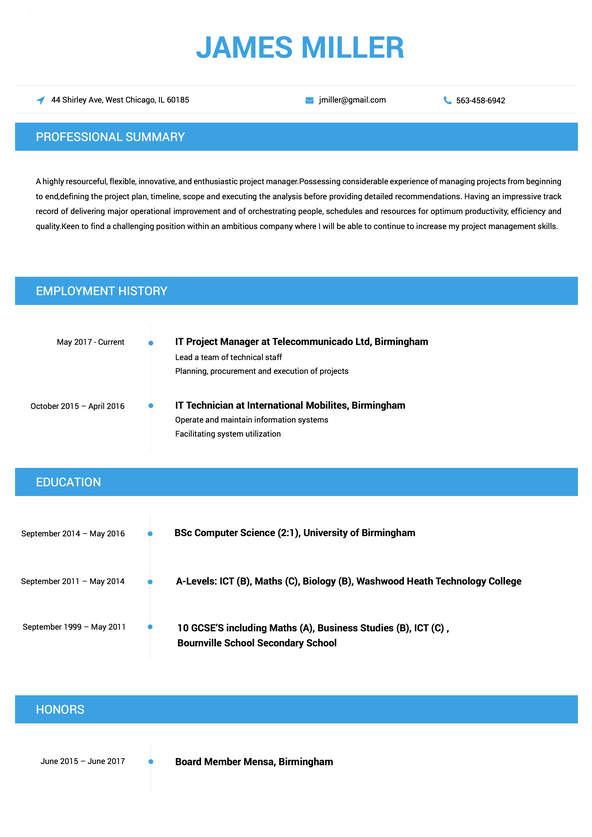
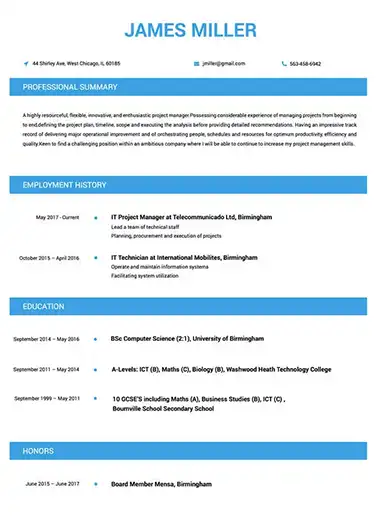
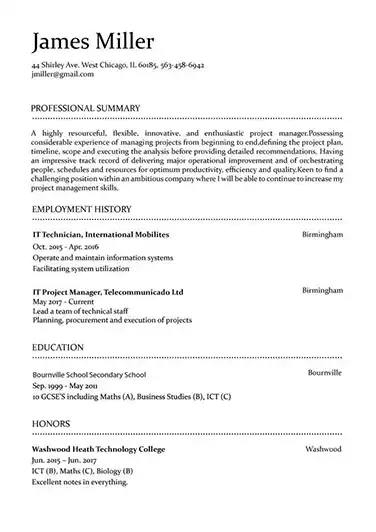
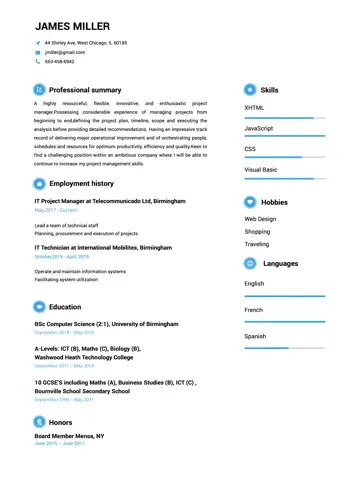
This Modern resume example displays define sections with a traditional black-and-white color pattern.
 Use This Template
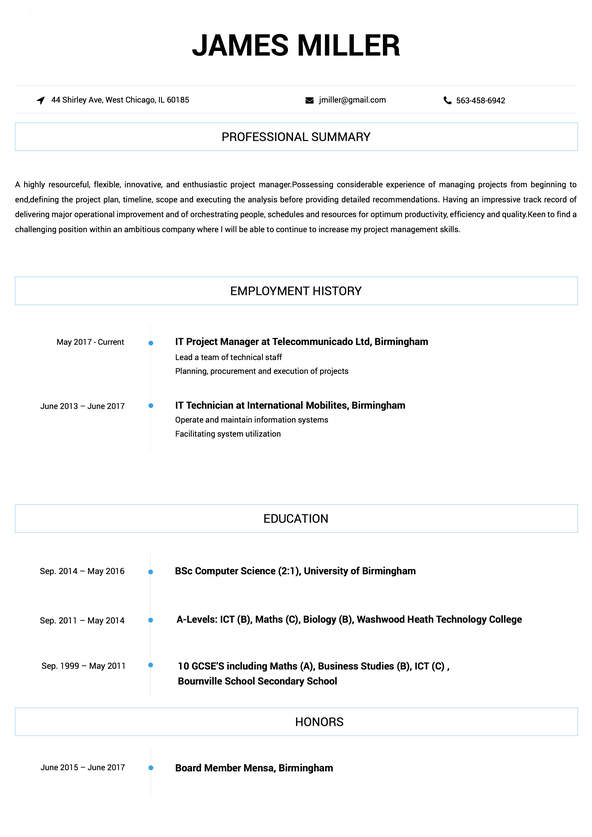
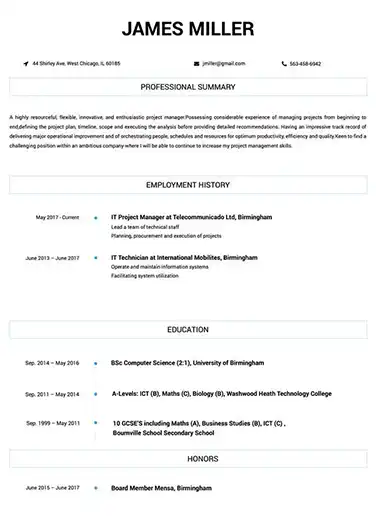
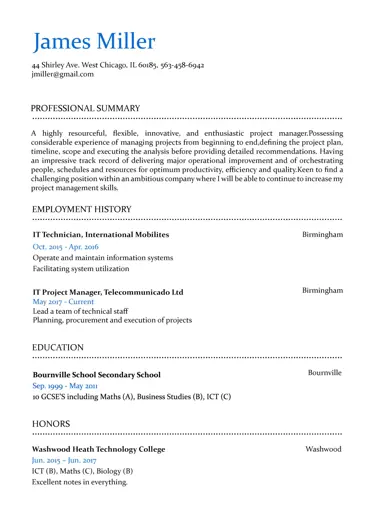
This Contemporary resume example counts with thin lines and a classic single-column format that will make the perfect first impression on any hiring manager.
 Use This Template
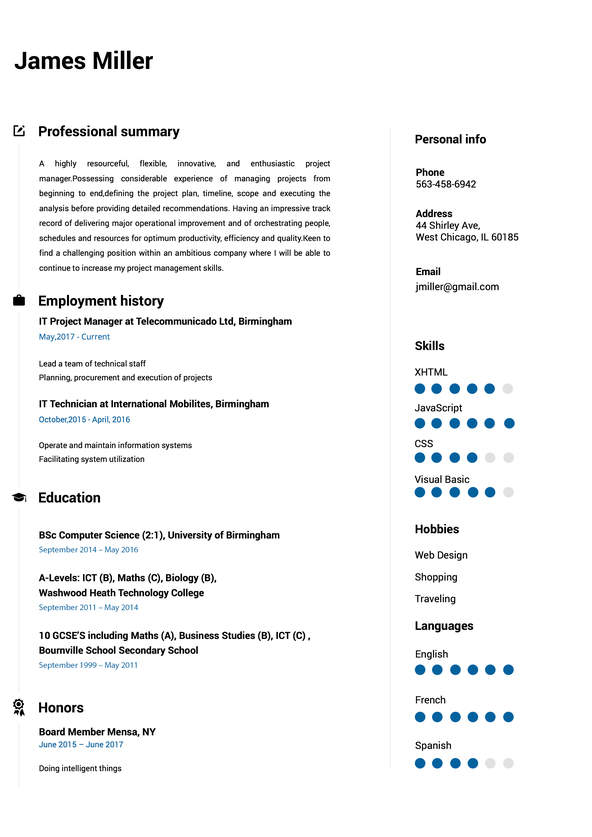
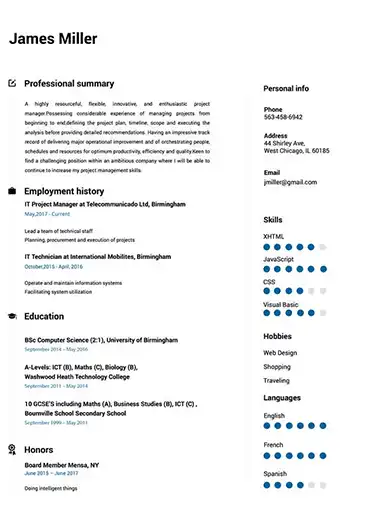
For a balance between lighthearted creative and serious profesional, the Creative CV template offers visualizations and a functional two column design.

You need to quickly communicate that your resume is worth a closer look. Our resume templates stand out as more visually interesting and informative than the competition.

Everything from the layout you choose to the skills you emphasize has an impact. Our resume templates allow you to easily create and customize your application so you can save time while still boosting your chances of getting hired.

Most of us aren’t designers, so being able to rest easy knowing you’re using a professionally designed resume template is a huge plus. This lets you put your focus where it should be: on your resume’s content.

Whether you need a single or double column design, whether you want color and personality or something simple and elegant, we have proven templates for you to choose from. Then, save your resume in whatever file format the employer needs, hassle-free.
In more conservative industries, you want to show you’ve gone the extra mile with a great resume template
without rocking the boat too much. That’s where these professional resume templates are ideal. They strike
the perfect balance between classic and modern design.
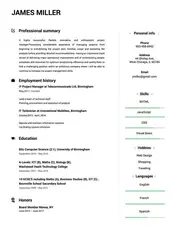
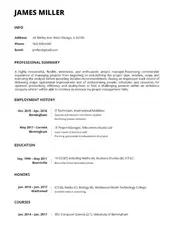
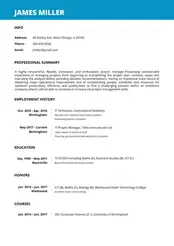
Its never been simpler to build an impressive resume.
Use This Template
This Contemporary resume example counts with thin lines and a classic single-column format that will make the perfect first impression on any hiring manager.
Use This Template
This interesting Cool resume example uses a twin-column format and charming icons to differentiate sections.
Use This Template
This Modern resume example displays define sections with a traditional black-and-white color pattern.
Land your dream job with a perfectly formatted resume!
Susana Lee
Registered Nurse
(545) 432-0087
susana.m.lee@gmail.com
Linkedin.com/in/susanalee18
123 Any Street, Denver, CO 00000
Licensed RN with 5+ years of clinical experience, seeking to ensure high quality care at Presbyterian Medical Center through proven daily care skills. Maintained 95% patient satisfaction at Presbyterian Health. Successfully onboarded 10 new nurses.
Registered Nurse – Presbyterian Health, Denver, CO
2012-2018
- Handled care, safety, and long term health plans for 15+ patients. Commended 10+ times for efficiency and problem-solving skills by the preceptor.
- Assisted patients with limited mobility in all necessary movement. Maintained 97% positive scores for compassionate care.
- Onboarded 10 new nurses and trained in quality, personalized care and compliance policies.
Patient Assessment
Attention to Detail
Stress Management
Compassion
Safe Patient Transfers
Microsoft Office
Wound Care
Decision-Making
Team Player
Bachelor of Science in Nursing
University of Colorado
Completion: 2012
Registered Nurse, Colorado Board of Nursing, License # 12345678
Board Certified Family Nurse Practitioner (FNP-BC)
Basic Life Support for Healthcare Providers (BLS)
Advanced Cardiac Life Support (ACLS)
CPR Certification
Susana Lee
Software Engineer
(545) 432-0087
susana.m.lee@gmail.com
Linkedin.com/in/susanalee18
123 Any Street, Denver, CO 00000
An IT expert professional, passionate about software development. Experienced in working with teams in different software development stages, ensuring a high-quality and fulfillment of company’s needs.
03/2017 - 07/2020
- Built an e-commerce site integrated with multiple payment APIs for a 32% in company revenue
- Developed new infrastructure to easily handle over a million client files
- Consistently achieved 100% compliance with industry best practices
- Reduced security breaches by 84%
- Programming languages
- Java, JavaScript, C++, Python3
- Relevant Institute Courses
- Machine Learning, Operation Research,
- Computer Programming, Graph Theory and Networks
Denver Institute of Technology & Science,
Denver, CO
07/2016 – 08/2020
Bachelor of Engineering in Chemical Engineering
TensorFlow in Practice Specialization: Coursera
Improving Deep Neural Networks: Hyper-parameter tuning : Coursera
Structuring Machine Learning Projects : Coursera
Network Management : Nettech Pvt Ltd
Google Cloud Platform Fundamentals: Core Infrastructure: Google Cloud
Alteryx Designer Core Certification
Susana Lee
Marketing Specialist
(545) 432-0087
susana.m.lee@gmail.com
Linkedin.com/in/susanalee18
123 Any Street, Denver, CO 00000
Organized and creative professional with proven marketing skills and a desire to learn more. Possess 6+ years of experience working for a diverse group of organizations and clients. Gained expertise in data analysis, publication marketing, and web-based advertising. Looking to utilize my existing skill set to increase company profitability
Associate Publisher, The Miami Herald - Miami, FL
02/2017 - 09/2019
- Spearheaded the development of the first media kit amalgamation for all company projects, increasing national sales by 8%.
- Implemented efficiency and cost-saving programs that reworked the editorial, production, and sales processes for three magazines, increasing profitability by 10% on average.
- Discovered, negotiated, and secured new relationships with local organizations, resulting in the launch of five new publications whose profitability increased by between 10%-20% annually.
Adobe Creative Suite
Google Analytics
Webmaster Tools
Social Media Marketing
Stata/Atlas
Asana/Jira
New World College
Chicago, IL
Bachelor of Arts in Art & Design, Magna Cum Laude
2013 - 2017
- Google Search
- Google Display
- Google Shopping Ads
- Google Analytics
- SEMRUSH SEO Toolkit Exam
- Meta Certified Digital Marketing Associate
- Microsoft Advertising Certified Professional status
As noted above, this is the most popular and all-around best format for most job applicants. It lists your work experience beginning with your most recent job at the top and details your accomplishments in each role. It’s the ideal choice if you’ve had continuous employment in your industry over time and therefore want to focus largely on that work history.
If you’d like to shift the emphasis of your resume away from your work history and towards your skills, a functional format may be a good option. Functional resumes group work experience and achievements according to the skills they’re connected to instead of listing them in chronological order. However, be aware that many recruiters are not fans of this approach so it’s always going to be somewhat risky to use.
If you don’t want to abandon the traditional chronological format but still want to put greater emphasis on how your work experience and achievements relate to your skills, a combination format is the best choice. This begins with sections focusing on your skills and achievements before including a standard chronological work history below.
Just bear in mind that if you’re using a format like to draw attention away from a gap in your work history, it’s better to simply explain the gap in a resume summary instead. This way, the recruiter won’t feel like you’re trying to hide something from them.
Formats that work.
 Use This Template
 Use This Template
 Use This Template
Easy to follow prompts and beautiful templates to choose from!! Started getting calls for job interviews a few days after submitting and applying the resume that I created with the help of this amazing website. It definitely stands out!
Found this website really very helpful since I wanted to make my resume look super professional and eye-catching too…Finally, I was able to set up a perfect resume!!!
Download took 2-3 seconds…..I made my CV while waiting in the queue to attend my interview! I loved the professional resume templates. Thanks for this useful website.
Went for a job interview and the potential employers were very impressed with my CV. I must say that Resumebuild comes with so many interesting templates and also, creating a resume with it is super easy.

 Have Questions About Building A Great Resume?
Expert Answers to All Your Resume Questions.
Resume Templates FAQ
There’s no perfect one-size-fits-all resume template. The key is considering what message you want to send to the recruiter evaluating your resume. Are you more creative, serious, or professional — or somewhere in between? The font, design, and colors (or lack thereof) will all affect how a template is seen. Let’s break down how to evaluate each of these elements.
If you’re choosing a resume template with colors, be mindful of choosing brighter or louder colors. While adding some color to your resume can make it more visually appealing and reader-friendly, garish design elements can be off-putting for a recruiter hiring for a more professional position.
You’ll also need to choose between a single or double-column resume template. Generally, breaking a single section into two columns can be confusing for the reader. However, if you have lots of different kinds of information to convey, our two-column layout can help you do this in an organized way that makes it easy for the reader to digest all the information.
Lastly, consider how other resume template elements like font and text size affect its readability. In general, you want your resume to be as easy to read as possible.
Obviously, there’s a lot to consider when finding your perfect resume template, but here at resumebuild.com, you can easily find the ideal template to send the perfect message. If you’re unsure, use our resume builder to compare multiple templates and see which looks best.
There’s no denying that the classic chronological resume remains the most popular format in 2020. This should be your go-to format. There are advantages to functional and combination formats (discussed in more detail below), but those are best reserved for when you have a specific reason to go for one of them.
Nearly every job applicant wonders about this at some point. There’s no universal answer, but in most cases, a single-page resume is preferred simply because it saves the recruiter time. Single-page resumes also can be superior because they force you to edit your experience down and focus on what really matters. The result is often a more focused and punchy resume, which is therefore more effective.
That said, if you have more than 10 years of experience in an industry or your industry has its own standard for resumes (e.g. you’re in academia), then you may want to move beyond the one-page rule. So, always research the standards and norms for your industry and the place you’re applying (different countries will also have their own standards).
A related question you’ll need to consider is what to include so your resume can hit the right length. In most cases, your resume should cover your experience back to slightly before the period the job offer asks about. But beyond this, no matter how long your resume is, you need to ensure all the information is highly relevant. For example, if your first job was in the hospitality industry, and now you’re applying for a graphic design position years later, you likely can leave out your restaurant experience.
All in all, forcing yourself to slow down and evaluate everything individually should lead to a more streamlined, deliberate, and effective resume.
In a world where more and more companies are using an ATS, in most cases the most important information on your resume will be the information matching the job description. ATS and recruiters alike will always check whether you meet the criteria listed in the original job ad, so making sure you clearly show that you meet those requirements is essential. After all, if your resume gets rejected by ATS, none of the other information on it really matters.
In particular, look for requirements which are listed as “must haves.” For example, if a job ad states that all applicants must possess a specific certification or number of years of experience, it’s best to put that information in your resume. This way it’s immediately clear to a recruiter that you’re a serious candidate worth spending time on.
Otherwise, this will vary a lot depending on your industry, experience, etc. For example, if you’re a fresh graduate, information about your education is very important. If you graduated more than 10 years ago, on the other hand, recruiters are unlikely to focus very much on the details of your degrees. Like with choosing the best length and resume template, deciding what information to emphasize should be done after thoroughly researching the standards and norms of your specific industry.
There are two initial ways you want your resume to stand out: the overall design and the information at the top. You want your resume’s design and top information to quickly tell them that you’re a candidate worth focusing on.
For the design, simply using our resume builder to access one of our quality resume templates will differentiate your resume from the more generic competition. A good layout will tell the recruiter that you went the extra mile to make your resume look better, which makes their job easier.
But getting the opening information of your resume right takes more skill. We recommend using a resume objective or summary. These short sections allow you to quickly form a strong first impression by focusing the recruiter’s attention towards your best attributes. When you can form a strong first impression like this, you’re more likely to get the benefit of the doubt down the line.
But that alone isn’t going to get you hired. You then want to stand out with the rest of your resume’s content, ensuring it’s well-written and precisely targeted for that specific job. Getting a trusted friend or colleague to help you review your resume to look for small mistakes or improvements is key. After all, a single small mistake can dramatically affect how a recruiter views you. They may immediately decide that you’re sloppy and aren’t good with details. Considering the risk, you need to ensure your resumes are flawless before they’re submitted.
The overall lesson here is that you can’t rely on any single element for your resume to stand out. Recruiters weren’t born yesterday and won’t be so impressed with one well-done element. You need to impress them early and often, demonstrating you know how to do a job well.

The first step to moving towards your dream job is to identify what your dream job actually is and why.

Networking events allow you the opportunity to meet people who work at companies you’re interested in, or who work in the industry you’re trying to break into.

After spending years in the classroom learning your trade, it would seem like that should count for something, right?